





Managing invoices and regulatory obligations is an important part of operating a professional WooCommerce store. Every transaction generates information that may need to be recorded, communicated to customers, shared with fulfilment teams, retained for accounting, or presented during an audit. Relying entirely on WooCommerce’s default features can leave store owners manually preparing invoices, organizing order data, calculating taxes, collecting consent, and responding to customer requests.
Some businesses turn to ecommerce development services to build these capabilities from scratch through custom code, but for most WooCommerce stores, a well-chosen set of plugins can deliver the same outcome faster and at a lower cost. The right collection of plugins can automate these responsibilities while creating a more consistent operational workflow. Invoicing tools can generate professional documents, tax plugins can improve calculation accuracy, privacy solutions can manage cookie consent, and fulfilment plugins can connect order documentation with warehouse and delivery processes.
The following list alternates between WebToffee plugins and complementary third-party solutions. The third-party plugins perform different functions and are not direct alternatives to WebToffee’s core invoicing, order-document, or cookie-consent products.
Important: Plugins can provide technical tools that support compliance, but installing a plugin does not automatically make a store legally compliant. Requirements vary by country, product type, tax registration, customer location, and business model. Store owners should obtain professional legal or accounting advice when necessary.
1. WooCommerce PDF Invoices, Packing Slips and Credit Notes
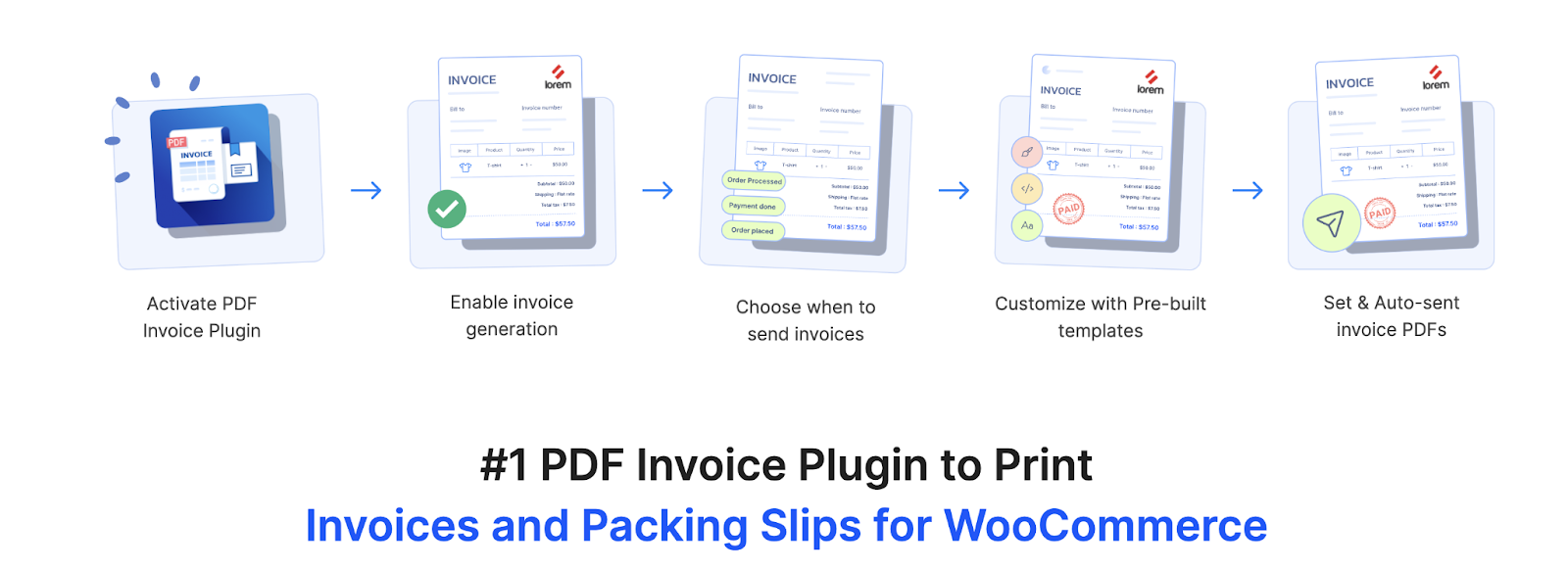
The PDF invoices & Packing Slips for WooCommerce help store owners automate essential transaction documents. It can automatically generate PDF invoices, packing slips, and credit notes from WooCommerce order information and attach selected documents to order emails. Customers can also access invoices through their account, while administrators can download, print, or process documents from the WooCommerce Orders section.
The plugin allows businesses to add their company name, logo, address, VAT or GST information, payment details, customer information, product data, and additional order fields to their documents. It supports configurable invoice-number formats, multilingual documents, UBL and XML invoices, bulk document exports, custom fields, customer downloads, and credit notes for refunded orders. These capabilities make it a useful foundation for stores that require structured and consistent invoicing. A free version is also available, offering essential features for automatically generating and attaching PDF invoices and packing slips to WooCommerce order emails.
Features
- Automatic PDF invoice, packing-slip, and credit-note generation
- Invoice attachments in WooCommerce order emails
- Custom invoice and credit-note numbering
- UBL and XML electronic invoices
- VAT, GST, ABN, and custom business fields
- Bulk printing and document export
- Customer invoice downloads
- Multilingual and RTL-document support through compatible tools
2. WooCommerce Tax

WooCommerce Tax is a free official extension that automates sales-tax calculations during checkout. The extension determines the applicable tax amount using information such as the store address and the customer’s shipping location. This can reduce the need to create and continuously maintain large tax-rate tables manually.
The plugin is particularly useful for stores that need a straightforward automated tax solution within the WooCommerce ecosystem. It works alongside an invoicing plugin rather than replacing one: WooCommerce Tax calculates the tax, while the invoicing system presents the relevant tax information on the customer’s transaction documents. Merchants should still verify whether the service supports all applicable country, registration, filing, and product tax requirements for their business.
Features
- Automated tax calculations at checkout
- Location-based tax rates
- Integration with WooCommerce orders
- Reduced manual tax-table maintenance
- Tax calculations based on store and customer addresses
3. Customizer for WooCommerce PDF Invoices
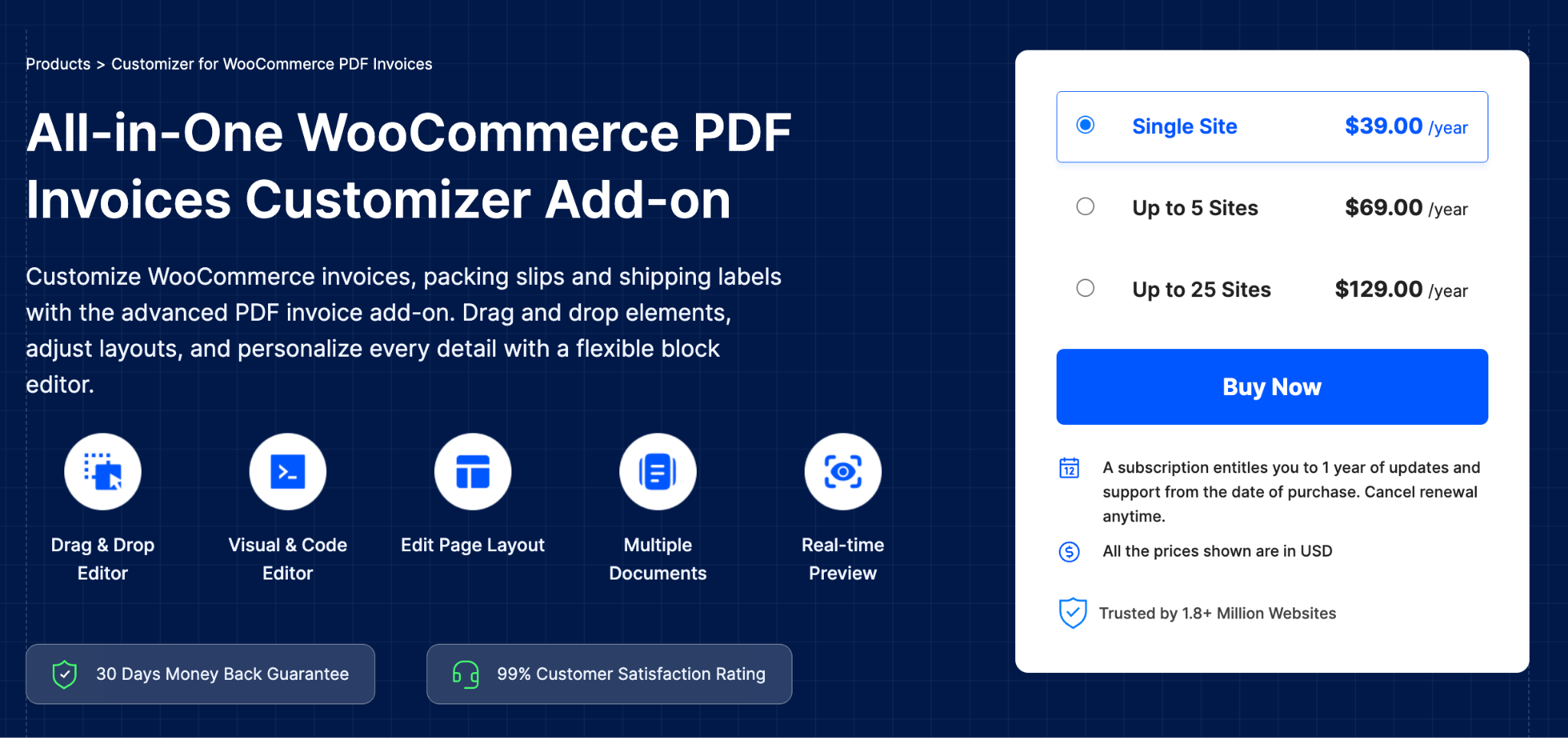
The Customizer for WooCommerce PDF Invoices is an add-on designed for stores that need greater control over the appearance of their transaction and fulfilment documents. It provides a drag-and-drop editing interface for documents generated through compatible WebToffee plugins, reducing the need to modify templates through code.
Store owners can rearrange document elements, add or remove fields, adjust page properties, and preview changes while editing. The add-on supports invoices, packing slips, credit notes, proforma invoices, shipping labels, dispatch labels, delivery notes, and picklists. It is particularly valuable when different departments or markets require specialized document layouts while the store still wants to maintain consistent branding.
Features
- Drag-and-drop document editor
- Real-time document preview
- Custom padding, spacing, borders, and typography
- Element repositioning and removal
- Support for multiple WooCommerce document types
- Reusable branded document layouts
- No coding required for common customizations
4. WPML Multilingual CMS

WPML helps WooCommerce stores translate products, pages, checkout content, emails, menus, and other customer-facing information. It is useful for businesses that sell across regions where customers expect purchasing information and order communication in their preferred language.
When used with compatible document-generation plugins, WPML can help stores create a more consistent multilingual experience from the product page through to the final invoice. Product names, checkout fields, transactional messages, and document labels can be presented in the appropriate language. This can reduce misunderstandings and make order documents more accessible to international customers and fulfillment teams.
Features
- WooCommerce product translation
- Checkout and customer-account translation
- Translation of strings from compatible plugins
- Multilingual transactional emails
- Translation-management workflow
- Multiple-currency support through its WooCommerce integration
- Compatibility with major page builders
5. WooCommerce Shipping Labels, Dispatch Labels and Delivery Notes
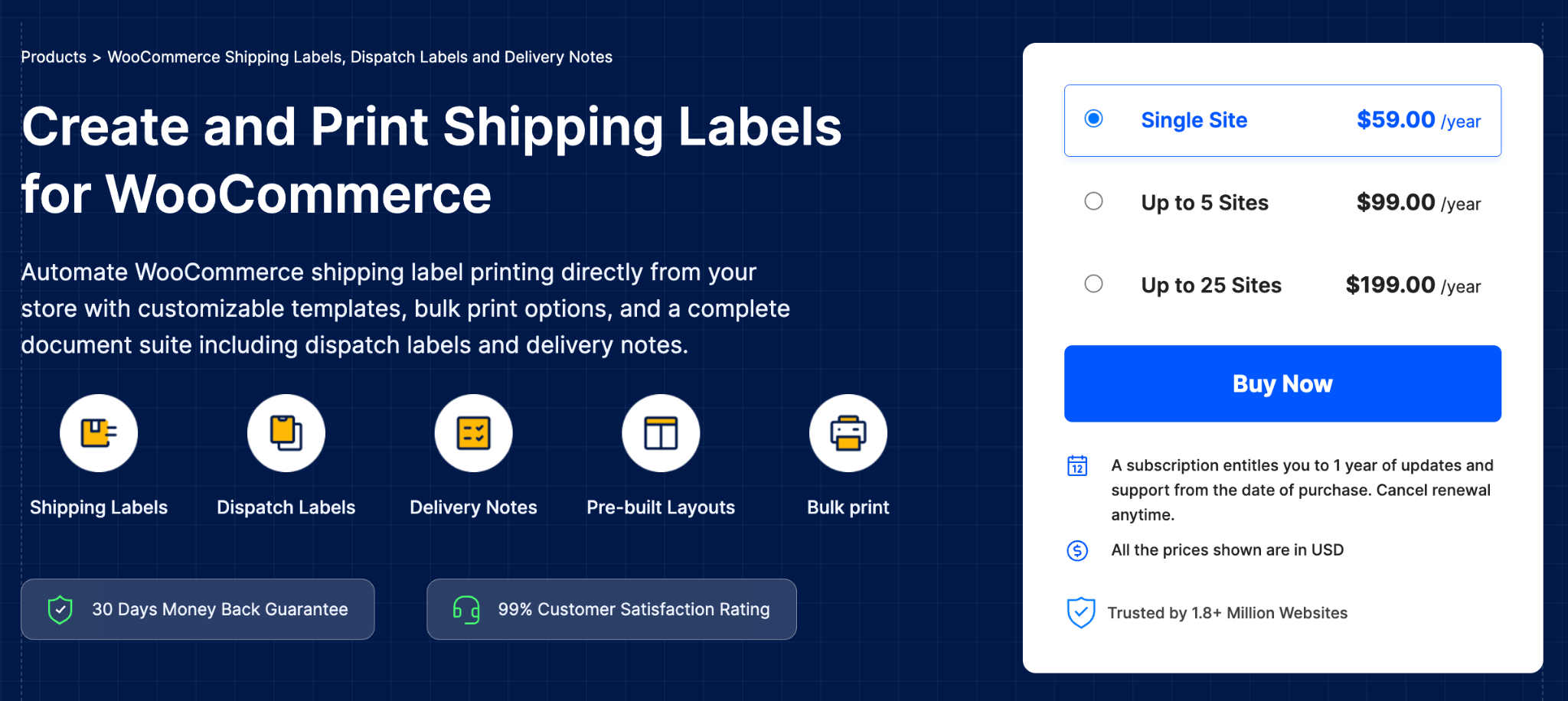
The WooCommerce Shipping Labels, Dispatch Labels and Delivery Notes plugin connects WooCommerce order information with physical fulfilment. It can automatically generate shipping labels, delivery notes, and dispatch labels using the customer, product, and shipping information contained in each order.
The plugin supports pre-designed templates, custom document fields, bulk printing, different label dimensions, and multiple labels on a page. Store owners can display product attributes, variation details, custom order metadata, customer addresses, and business information. It is important to note that the plugin creates documents from WooCommerce order data; it does not purchase postage or generate carrier-issued postage labels.
Features
- Shipping-label generation
- Dispatch labels and delivery notes
- Bulk document printing
- Custom label dimensions
- Multiple labels per page
- Product and order custom fields
- Reusable document templates
- Customer print buttons in selected emails
6. Advanced Shipment Tracking for WooCommerce
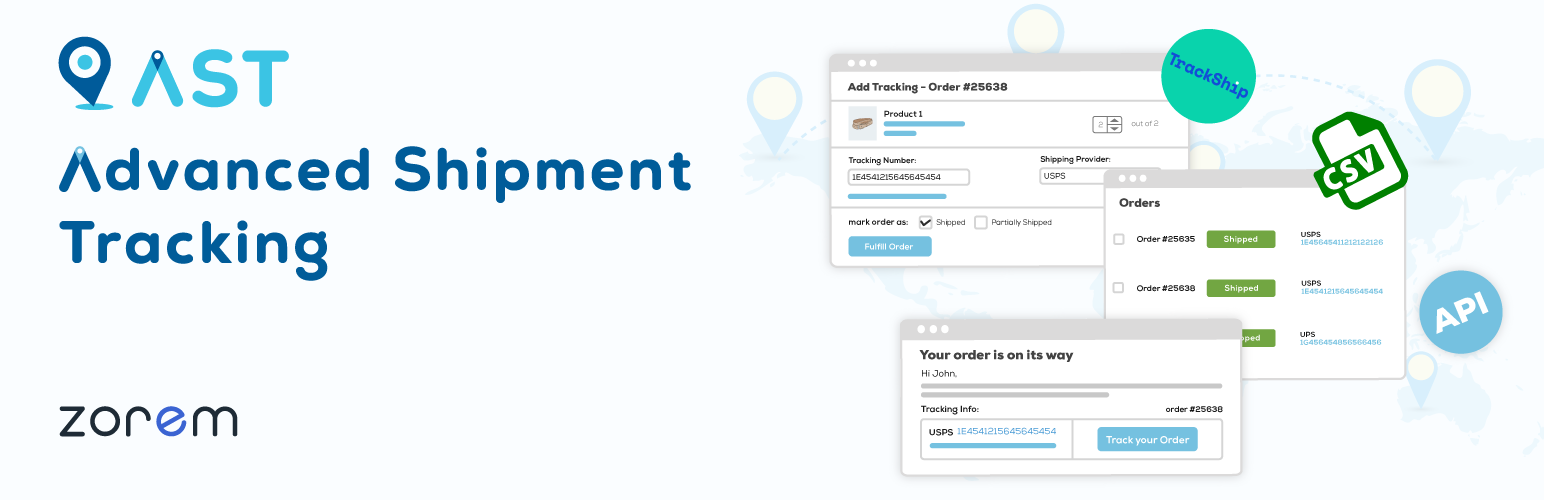
Advanced Shipment Tracking adds carrier and tracking information to WooCommerce orders. Store owners can associate tracking numbers with orders and make shipment information available via email and customer account pages. This complements shipping-document plugins by managing what happens after the package leaves the warehouse.
The free version is suitable for standard tracking workflows, while the Pro edition provides broader fulfillment automation, branded tracking emails, order-status tools, PayPal tracking synchronization, and support for a large carrier directory. Stores can therefore use WebToffee to prepare shipping documents and Advanced Shipment Tracking to communicate the package’s delivery progress.
Features
- Add tracking numbers to WooCommerce orders
- Carrier tracking links
- Tracking information in customer emails
- Shipment information in My Account
- Custom fulfilment statuses
- Branded tracking communication in Pro
- Bulk tracking workflows
- Support for numerous shipping providers
7. WooCommerce Picklists
WooCommerce Picklists helps fulfilment teams identify which products must be collected for pending orders. Instead of opening every order individually, warehouse employees can use organized picklists containing the product names, SKUs, quantities, variations, and other relevant information.
The plugin can group products by category or order, display variation details, sort items, and attach PDF picklists to selected order emails. Store administrators can also print picklists individually or in bulk. These capabilities help create a documented picking process and can reduce incorrect quantities, overlooked variations, and packing mistakes.
Features
- Automatic WooCommerce picklist generation
- PDF picklists
- Bulk printing
- Product grouping and sorting
- SKU and variation information
- Customisable picklist templates
8. ATUM Inventory Management for WooCommerce
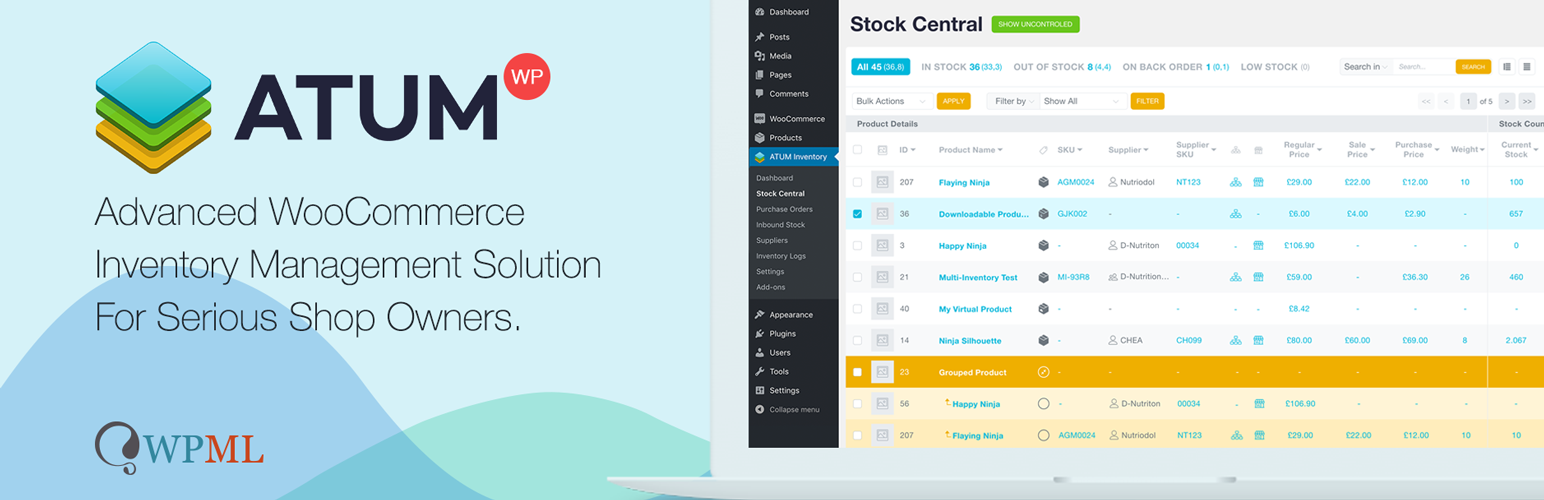
ATUM Inventory Management provides a central interface for reviewing WooCommerce stock. It can help stores monitor inventory quantities, suppliers, purchase orders, inbound stock, product locations, and inventory logs from a unified stock-management area.
The plugin complements picklists by improving the accuracy of the inventory information used during fulfilment. Picklists tell employees what to collect, while ATUM helps administrators understand where stock is located, what quantities are available, and when products may need to be reordered. Inventory logs can also provide useful operational records when investigating fulfilment errors or unexplained stock changes.
Features
- Central WooCommerce stock dashboard
- Inventory and stock-change logs
- Supplier management
- Purchase-order functionality
- Product-location management
- Inbound-stock records
- Inventory statistics
- Premium multi-inventory and manufacturing add-ons=
9. WooCommerce Proforma Invoices
The WooCommerce Proforma Invoices plugin generates preliminary transaction documents before a final commercial invoice is issued. A proforma invoice can communicate proposed prices, products, quantities, taxes, shipping costs, and payment expectations before the transaction is completed.
The plugin can automatically create proforma invoices for selected order statuses and attach them to WooCommerce emails. Store owners can customize document layouts, add business and tax information, control numbering, and provide customers with a downloadable PDF. This is useful for wholesale orders, manual-payment workflows, international transactions, and purchases that require internal customer approval before payment.
Features
- Automatic PDF proforma invoices
- Email attachments
- Custom document numbering
- Business, customer, and tax information
- Customisable templates
- Bulk printing
- Product and order metadata
- Multilingual support with compatible tools
10. WooCommerce Deposits
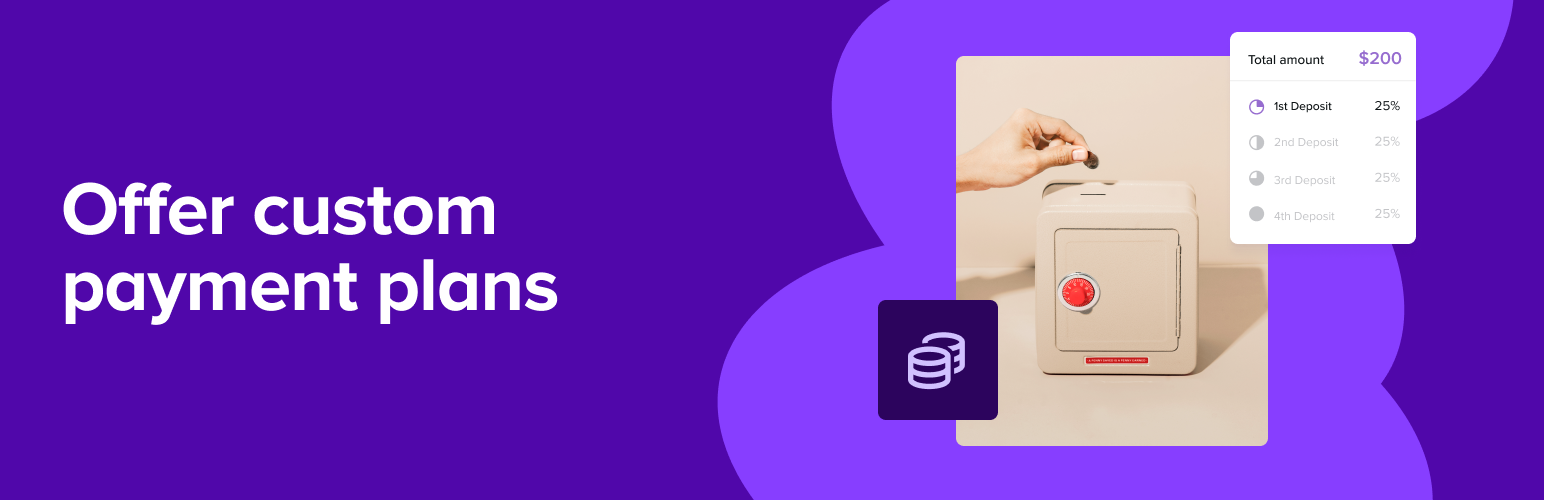
WooCommerce Deposits allows customers to pay an initial amount and settle the remaining balance later. Store owners can create deposit requirements or structured payment plans for selected products, services, bookings, or high-value purchases.
This functionality works well alongside proforma invoices. The proforma document can explain the proposed amount and payment terms, while WooCommerce Deposits manages how the initial payment and later balances are collected. Customers receive a clearer payment schedule, and administrators can monitor the payment stages through WooCommerce orders.
Features
- Fixed or percentage-based deposits
- Optional or mandatory initial payments
- Custom payment schedules
- Payment plans for selected products
- Balance-payment management
- Customer-facing payment information
- Integration with WooCommerce orders
11. WooCommerce Address Labels
WooCommerce Address Labels helps stores create printable labels from billing, shipping, return, or business address information stored in WooCommerce orders. It removes the need to manually copy customer details into a separate label-design application.
The plugin supports individual labels, multiple labels per page, bulk printing, custom label dimensions, and reusable layouts. Stores can prepare labels for outgoing packages, return shipments, warehouse bins, or internal order handling. Consistent address formatting can also reduce fulfilment errors caused by manual data entry.
Features
- Billing and shipping address labels
- Return-address labels
- Custom label sizes
- Multiple labels on one page
- Bulk label printing
- Customisable label layouts
- Order and customer information
- Avery-label compatibility options
12. Flexible Shipping for WooCommerce
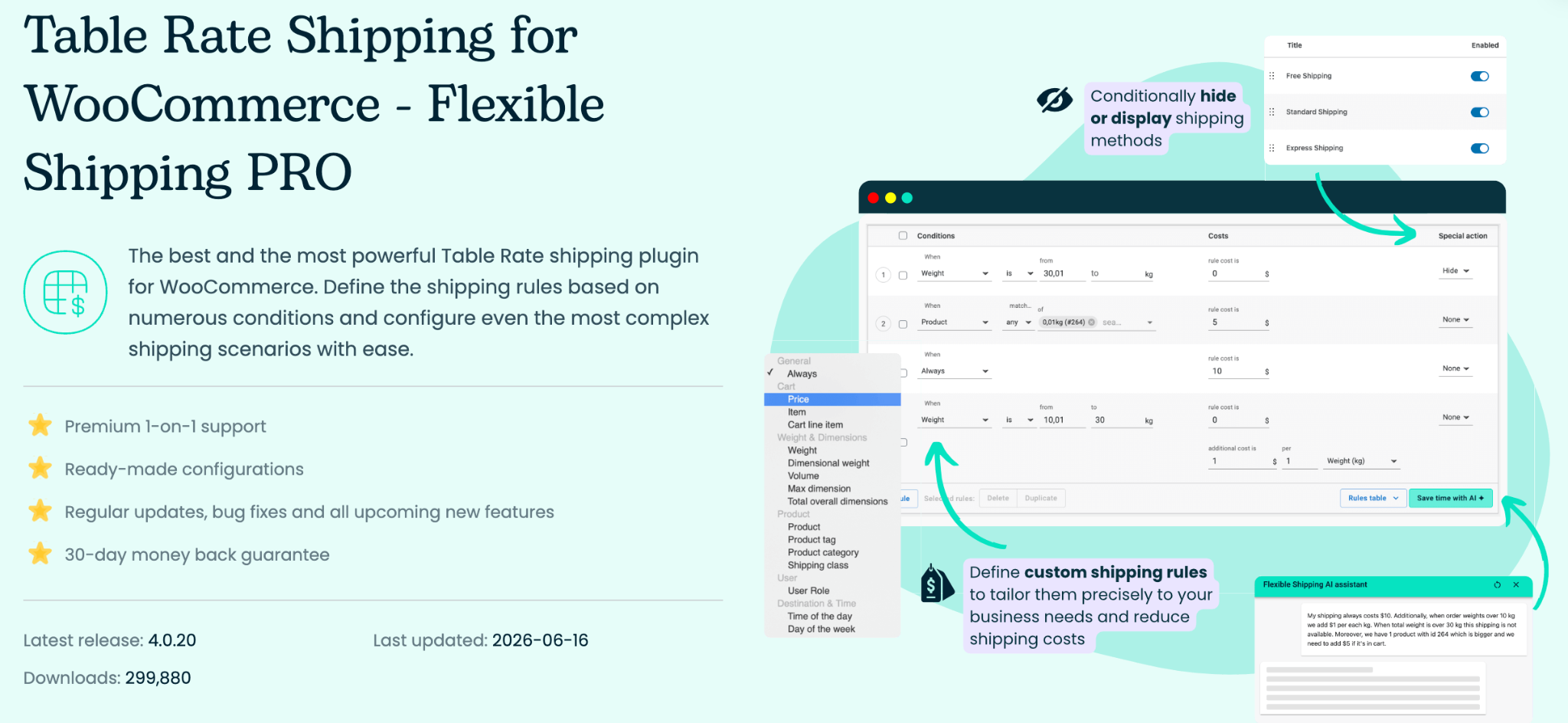
Flexible Shipping allows merchants to create shipping-cost rules based on conditions such as cart value, product weight, quantity, shipping classes, product categories, dimensions, or customer roles. This helps ensure that the amount charged at checkout reflects the business’s actual shipping policy.
The plugin is complementary to the address and shipping-label tools. Flexible Shipping calculates what the customer should pay, while the document plugins prepare the information required to process and dispatch the order. The Pro edition supports more advanced conditions, surcharges, debugging, and complicated table-rate scenarios.
Features
- Weight-based shipping rates
- Cart-total shipping rules
- Quantity and shipping-class conditions
- Free-shipping thresholds
- Fixed and percentage surcharges
- Table-rate shipping
- Debugging tools
- Advanced conditional rules in Pro
13. QR Code Add-on for WooCommerce PDF Invoices
The QR Code Add-on extends WebToffee’s PDF invoice system by placing scannable QR codes on invoices. The encoded information can provide quick access to order or invoice details without requiring an employee or customer to manually type a long reference number.
QR codes can improve document verification, warehouse processing, customer support, and record retrieval. A staff member handling a printed document can scan the code to identify the corresponding order, while customers can use it to reference relevant invoice information. The add-on requires a compatible free or premium WebToffee PDF invoice plugin.
Features
- QR codes on WooCommerce invoices
- Order-number or invoice-number encoding
- Faster order identification
- Support for custom invoice information
- Integration with WebToffee PDF invoices
- Improved printed-document traceability
14. WP Activity Log
WP Activity Log creates a record of changes and user activity within WordPress and WooCommerce. It can show when users log in, settings are changed, plugins are updated, orders are modified, or other important administrative actions occur.
Activity records are useful for security investigations, internal accountability, troubleshooting, and audit preparation. For example, if an invoice, order status, tax field, or customer record changes unexpectedly, administrators may be able to identify the account and time associated with the modification. Premium plans add reports, notifications, advanced searches, session monitoring, and external log storage.
Features
- WordPress and WooCommerce activity logs
- User-login monitoring
- Change tracking
- Free-text log search
- Configurable event logging
- Email, SMS, and Slack alerts in premium plans
- Scheduled reports
- External database and log-system integrations
15. Sequential Order Numbers for WooCommerce
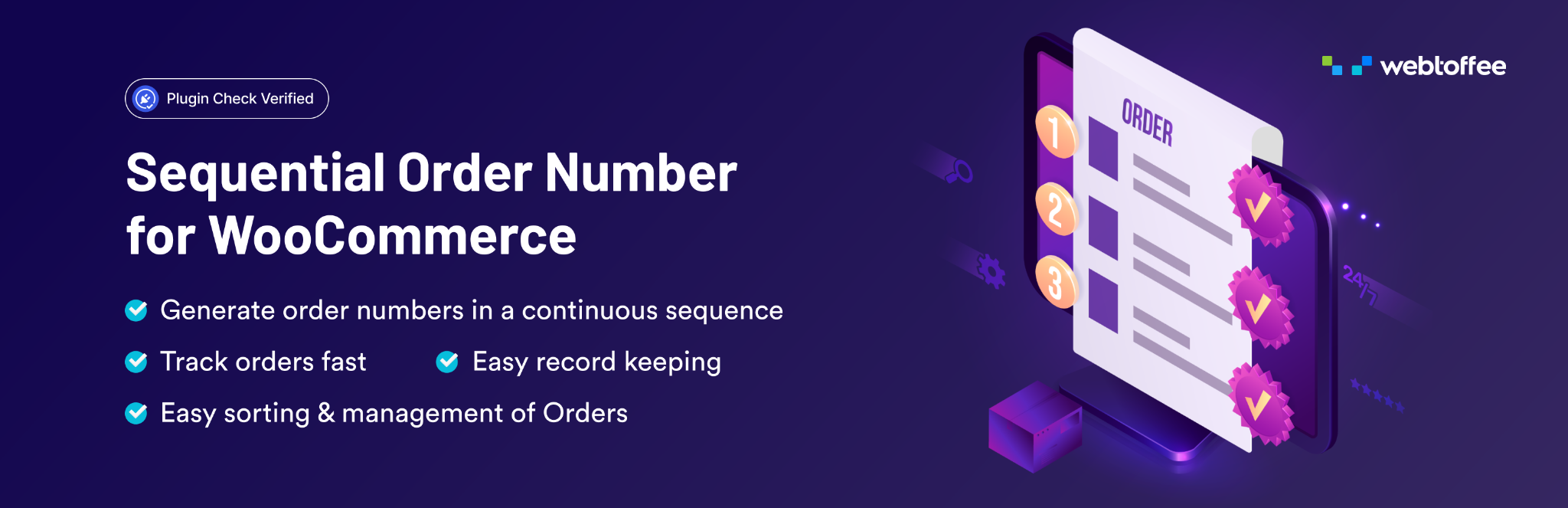
WooCommerce does not necessarily assign uninterrupted order numbers because orders share the WordPress database with other content types. Sequential Order Numbers for WooCommerce creates a more structured numbering sequence for store orders.
Store owners can define a starting number, number length, prefix, suffix, and custom pattern. Premium functionality can provide additional controls for order types, automatic resets, and separate sequences. Structured order numbers make it easier to locate transactions and match orders with invoices, packing slips, customer messages, accounting records, and fulfilment documents. The free version includes essential features such as sequential order numbering, custom starting numbers, and prefixes. Suffixes, configurable number lengths, and automatic resets require the premium version.
Features
- Sequential WooCommerce order numbers
- Custom starting numbers
- Prefixes and suffixes
- Configurable number length
- Custom order-number patterns
- Automatic sequence resets in premium
- Support for existing and new orders
- Compatibility with WebToffee order documents
16. EU VAT Assistant for WooCommerce by Aelia
EU VAT Assistant extends WooCommerce with tools for handling European VAT information. It can determine customer location, calculate applicable VAT, validate VAT numbers, retain supporting transaction details, and prepare information for VAT reporting.
The plugin complements invoice and order-number systems by helping ensure that the underlying VAT information is collected during the transaction. The resulting tax rate, location evidence, and VAT number can then be presented or referenced in invoices and accounting records. Businesses remain responsible for confirming their registrations, rates, exemptions, evidence-retention obligations, and filing requirements.
Features
- EU VAT calculations
- Customer-location evidence
- VAT-number validation
- B2B VAT-exemption workflows
- VAT-related transaction records
- VAT-report preparation
- Multicurrency support
- WooCommerce checkout integration
17. GDPR Cookie Consent Plugin
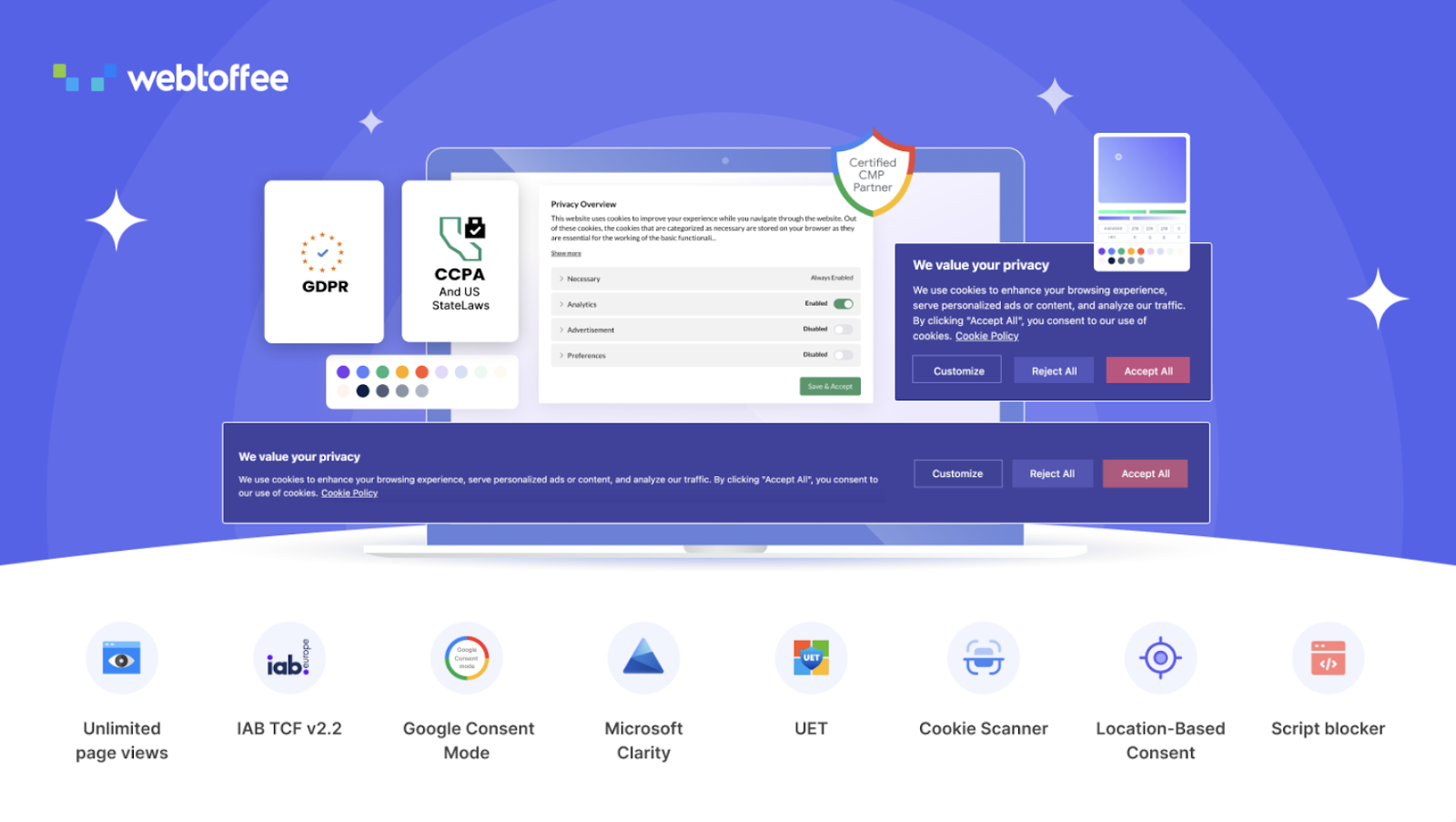
The GDPR Cookie Consent plugin helps WordPress and WooCommerce websites display cookie consent banners and collect visitors’ choices before activating non-essential cookies. Store owners can add accept, reject, and preference-management options and configure the banner according to the privacy requirements they are targeting.
The plugin includes cookie scanning, cookie categorization, script blocking, consent records, policy-generation tools, geolocation options, and integrations with services such as Google Consent Mode. It also supports CCPA and US state privacy law compliance, in addition to GDPR. It can be used to manage consent for analytics, advertising, embedded content, and other technologies that may store or retrieve information from a visitor’s device.
Features
- Customizable cookie-consent banner
- Accept, reject, and preference options
- Automatic cookie scanning
- Cookie categorisation
- Prior blocking of selected scripts
- Consent logs
- Cookie-policy generation
- Google Consent Mode integration
- Region-based banner behavior
- Multilingual support
Conclusion
Invoices and compliance processes are closely connected with taxes, payments, customer communication, privacy, fulfilment, shipping, and record retention. A reliable WooCommerce setup should therefore do more than produce a basic PDF after an order is placed.
By combining plugins that perform distinct functions, store owners can build a structured workflow that begins at checkout and continues through documentation, payment, picking, dispatch, delivery, refunds, withdrawal requests, reporting, and long-term data protection. The most effective setup is not necessarily the one with the most plugins, but the one that automates essential responsibilities without creating unnecessary overlap or complexity.

Lorelei has been an online entrepreneur, marketer and writer since 2006. Her biggest passion is WordPress, which is why she switched to being a full-time blogger 20 years ago and hasn’t looked back since. With so many years of experience behind her, she is an expert in copywriting, SEO, marketing and business strategies.