






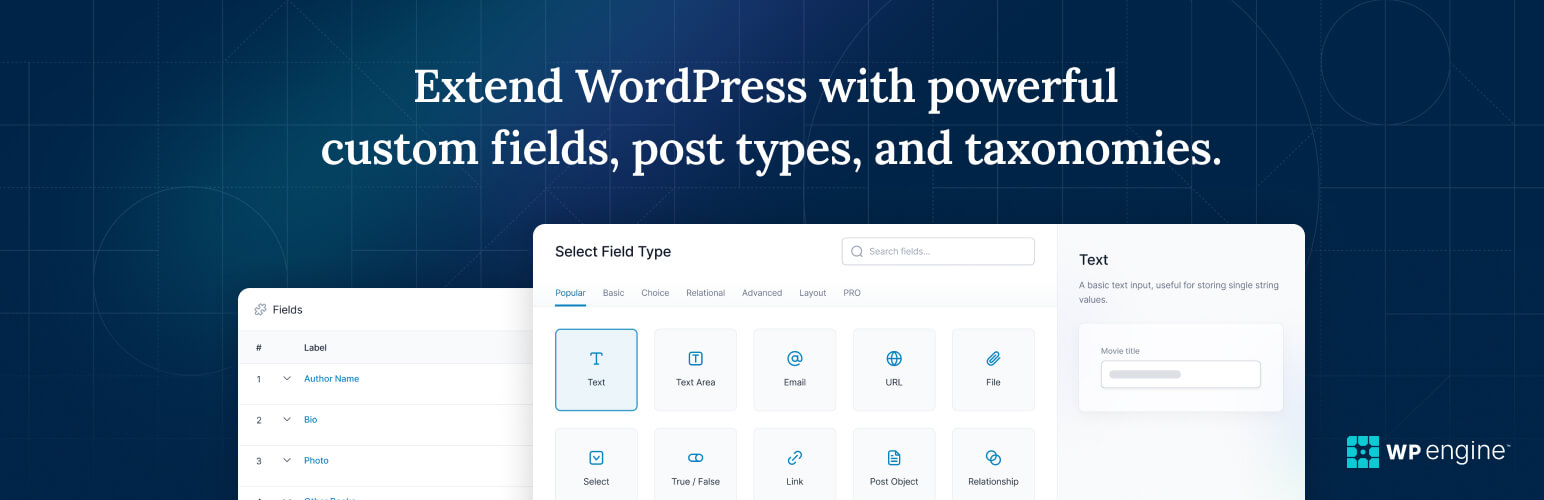
ACF adds structured fields to WordPress editing screens. It is useful when the same kind of content must be entered consistently—for example, an event date, speaker, venue, and booking URL. The field group controls what editors enter; your theme, block setup, or application still has to retrieve and present those values.
What the free plugin can do
The free version covers common field types and field groups. Since ACF 6.1, its interface can also register custom post types and taxonomies, according to ACF’s release notes. A simple directory of events with date, location, and link fields may need no Pro-only field at all.
Before paying, build one representative item. Check whether editors can enter the data clearly and whether the site can display it in the required template. ACF’s display guide shows that field values need to be loaded in the theme or another rendering layer. Merely adding a field does not make it appear on a public page.
What Pro adds
| Pro feature | Use it when | Check before buying |
|---|---|---|
| Repeater | An editor must add a variable number of similarly structured rows, such as event sessions | Can your template render and validate each row? |
| Flexible Content | Editors need to choose and order several predefined content sections | Who maintains the layout templates? |
| ACF Blocks | Developers want custom PHP-based blocks in the block editor | Does the team have PHP and theme-development capacity? |
| Options Pages | One field set supplies sitewide information, such as a shared footer notice | Which users can edit global values? |
| Gallery | Editors need to manage a collection of images in one field | How will the images display and be described? |
| Clone | The same field group structure is reused in several places | Will reuse simplify the editor experience? |
These are the vendor’s listed Pro features. Pro is a standalone plugin; it does not require the free version to remain installed. License tiers differ by site allowance, and pricing can change, so use the current vendor page for a purchase decision.
Where an upgrade does not solve the problem
ACF does not make a site automatically faster. Page performance depends on the theme, queries, assets, hosting, and how the fields are rendered. Likewise, an ACF field is not automatically available to a headless front end. ACF’s REST API documentation says field groups are not exposed by default; you must enable “Show in REST API” for the groups you intend to use.
Plan for output escaping and access control as well. ACF’s get_field() documentation says returned values should be escaped appropriately before display. Do not turn on API exposure for a field simply because an integration would be convenient.
A practical buying test
- List the data editors need to enter and where visitors must see it.
- Build one real content item with the free plugin.
- Identify any specific Pro feature the item cannot do without.
- Estimate template, testing, and ongoing editing work separately from the license.
- Check the current price and site limit on ACF’s own page before purchase.
If one basic field group solves the job, free is sufficient. If a Pro-only structure removes a real content-management problem, the upgrade has a reason beyond a generic “best plugin” verdict.
Frequently asked questions
Is ACF Pro worth it for one WordPress site?
It depends on the fields and editing workflow the site needs. Build one representative item with free ACF first; pay for Pro when a Pro-only feature solves a specific requirement.
What does ACF Pro add to the free version?
ACF lists Repeaters, Flexible Content, ACF Blocks, Options Pages, Gallery, and Clone fields among its Pro features.
Can free ACF create custom post types?
Yes. ACF added a custom post type and taxonomy registration interface to both free and Pro versions in version 6.1.
Does ACF display custom fields automatically?
No. A theme, block setup, or application must retrieve and render the field values on the front end.
Are ACF fields available in the WordPress REST API by default?
No. ACF requires the relevant field group to have “Show in REST API” enabled before those fields are exposed through the documented endpoints.
Do I need both free ACF and ACF Pro installed?
No. ACF says Pro is a standalone plugin that includes the free version’s functionality.

Lorelei has been an online entrepreneur, marketer and writer since 2006. Her biggest passion is WordPress, which is why she switched to being a full-time blogger 20 years ago and hasn’t looked back since. With so many years of experience behind her, she is an expert in copywriting, SEO, marketing and business strategies.

