






Desk organization works best when it solves a specific annoyance: nowhere to write, papers that vanish, a charger you keep unplugging, or supplies that drift across the surface. An empty desk is not the goal. A desk that lets you find and use what you need is.
Before buying anything, remove everything from the work surface. Put back the monitor or laptop, keyboard, mouse, and the tools you use during a typical day. Note what has no clear home. That short inventory tells you which of the ten ideas below is worth trying.
1. Give paper a single intake tray
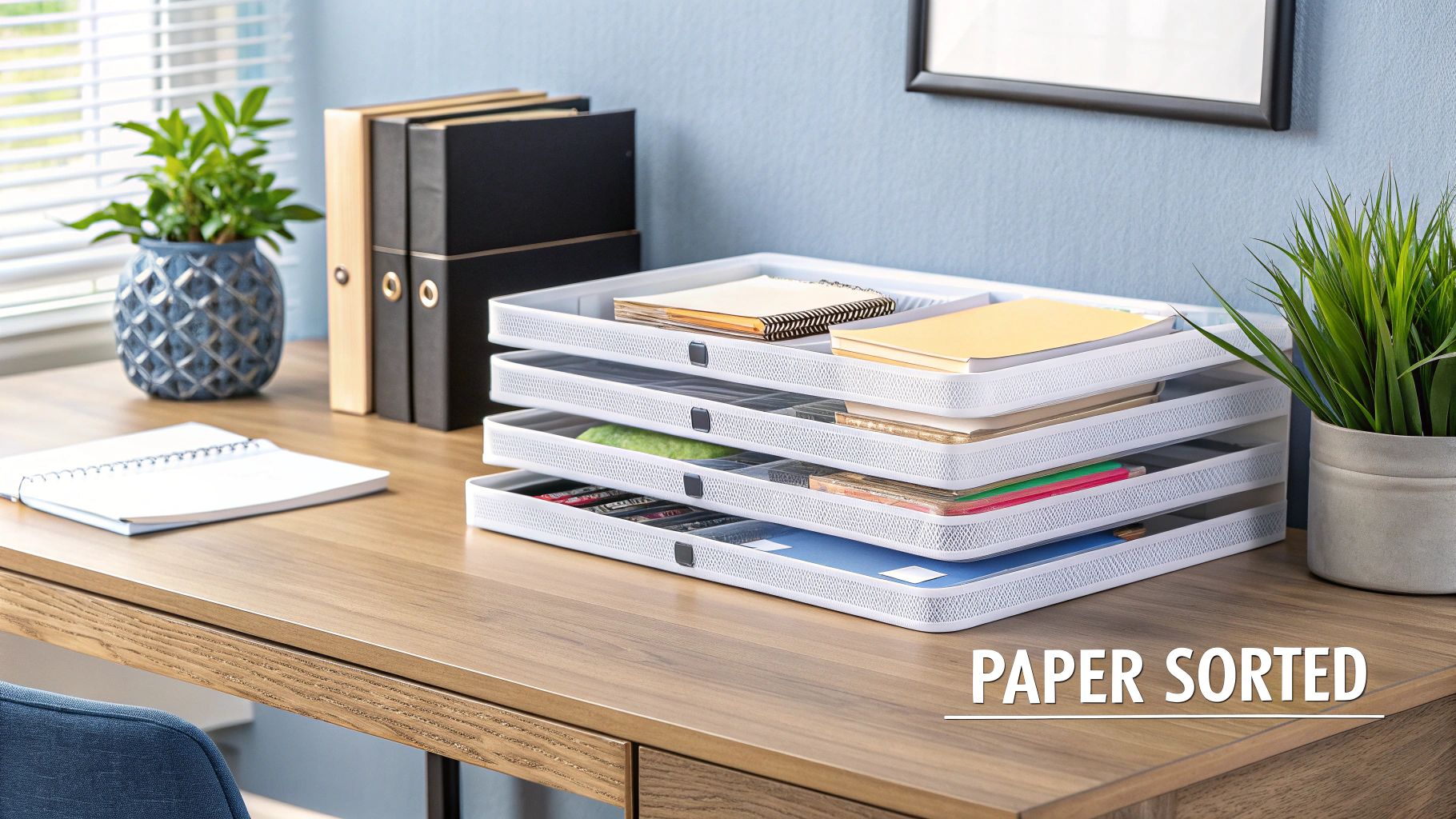
If paper still arrives at your desk, use one tray for unprocessed items and a separate place for documents you must keep. A stack of trays labeled “urgent,” “later,” and “done” can become three places to forget work. Instead, empty the intake tray at a regular time: act, file, scan, or discard each item.
A tray belongs beside the working area, not in the middle of it. If you rarely handle paper, skip the tray entirely. For a broader home-office setup, see our home office organization tips.
2. Use a monitor stand only if it fixes screen height
A stand can create storage under a monitor, but check the screen position first. OSHA’s workstation guidance places the top of the screen at or slightly below eye level. A thick stand may raise an already well-positioned monitor too far. Check the stand’s dimensions and weight limit, then see whether the keyboard and mouse still have enough room.
For a laptop, raising the screen while typing on its built-in keyboard can put your hands at an awkward height. An external keyboard and mouse may make more sense than a taller pile of accessories.
3. Route cables so they are easy to identify
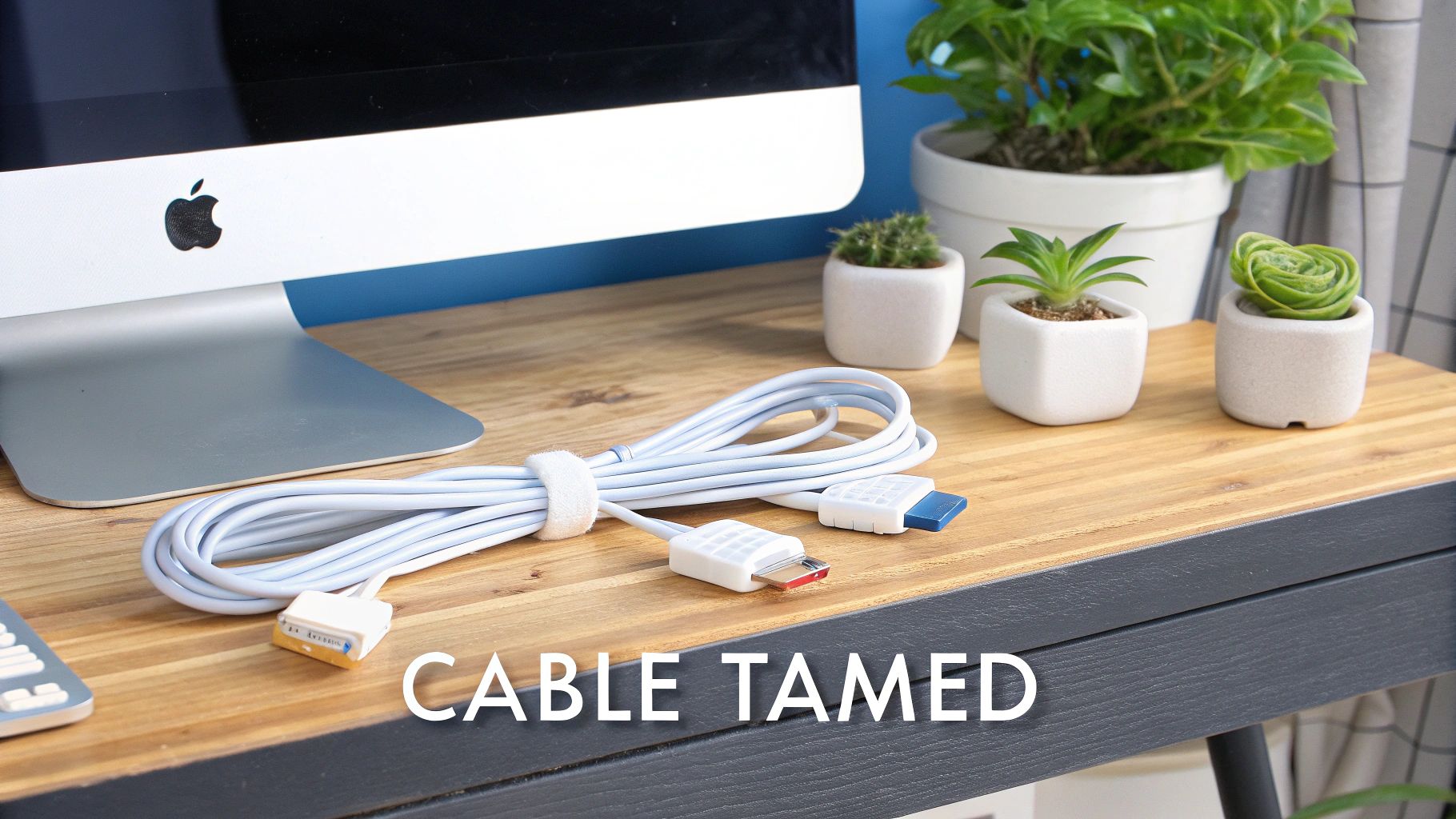
Trace each cable from device to outlet. Remove unused cords, label similar plugs, and leave enough slack to move the device without pulling a connector loose. Reusable ties and clips can hold data cables along the back of a desk; an under-desk tray can keep a power strip off the floor if the strip’s instructions allow that placement.
Do not trade visible clutter for a hidden hazard. Keep cords away from walkways and sharp bends, and do not cover an extension cord or run it under a rug. The Electrical Safety Foundation International advises using extension cords temporarily and within their rated capacity.
4. Divide drawers by what you reach for
A drawer divider helps when small items roll together. Measure the inside of the drawer, including its usable height, before buying an insert. Start with a few groups—writing tools, charging items, and supplies—then leave an open section for anything that does not fit. Put daily items at the front and spare stock farther back.
If a drawer is already easy to use, dividers add another object to maintain. A small box you own may do the job.
5. Put a pegboard where visible storage helps
A pegboard is useful for tools you pick up repeatedly: scissors, headphones, a notepad, or drawing supplies. It is less useful for a large collection of rarely used items, which can turn the wall into a second cluttered desk. Arrange the board around your actual reach and check that each hook or shelf can carry its load.
Wall mounting may be unsuitable in a rental or on a weak surface. A freestanding panel or drawer is an easier choice when you cannot install anchors.
6. Be selective with multi-purpose accessories
A lamp with a pen cup or a monitor riser with a drawer can save surface area if you need both functions. Measure the footprint and test the main function first. A lamp that points the wrong way or a stand at the wrong height is a poor trade even if it holds your phone.
Separate items are often easier to replace or reposition. Choose a combined accessory because it fits your desk, not because it promises to solve several unrelated problems at once.
7. Move occasional items to a shelf
Books and supplies you use weekly can sit on a nearby shelf rather than beside the keyboard. Keep the things you use during active work on the desk. Store heavy objects only on shelves installed for that load and wall type; check the manufacturer’s fixing instructions.
Open shelves make contents visible and collect dust. A closed cabinet may be better for papers that need privacy or supplies you want out of sight.
8. Use a rotating organizer only for shared small tools
A rotating caddy can make sense on a shared craft table or in a corner where several people need pens, markers, or scissors. On a small computer desk, it may occupy more useful surface area than a drawer cup. Try placing the supplies in a plain container first; if you still need access from several sides, consider the rotating version.
9. Protect legroom before adding under-desk storage
A shallow drawer or cable tray under the desktop can free surface space. Sit at the desk and move your knees and chair as you normally would before deciding where it belongs. OSHA’s evaluation checklist
For a standing desk, check the full height range and cable movement. Clamp-on storage may suit a rental, but confirm that the clamp fits the desktop and will not damage it.
10. Give digital files a home before scanning paper
Scanning a pile does not make it organized. Decide where digital documents will live and how you will name them first—for example, 2026-11-invoice-supplier.pdf. Scan a small batch, confirm that the files open and are readable, then file the originals according to your legal and business needs. Some records must be kept in a particular form; check the rules that apply to you before discarding them.
Use access controls for sensitive files and keep a backup you can restore. A searchable folder is useful; a second, unreviewed digital pile is not.
A 15-minute desk reset
- Clear the working area and put back daily equipment.
- Choose one home for incoming paper and one for small supplies.
- Trace and label the cables you actually use.
- Move occasional items to a drawer or shelf without blocking legroom.
- Work this way for a week; buy only the organizer that solves a remaining problem.
Revisit the layout when your work changes. If you stop using paper, the tray can go. If you start sketching every day, leave room for a notebook. The useful test is whether you can begin the next task without first clearing or hunting for something.
Frequently asked questions
What should stay on a work desk?
Keep the equipment and supplies you use during a typical workday within reach. Move occasional items to a drawer or shelf, and leave enough clear surface for the work itself.
How do I organize a desk with no drawers?
Use one small tray for incoming paper, a cup or caddy for daily tools, and a nearby shelf for occasional items. Avoid adding storage that consumes the space you need for your keyboard or writing.
Are monitor stands with storage worth it?
They can be useful when they place the screen at a comfortable height and provide space you will use. Check the monitor height, stand dimensions and weight rating before buying one.
How can I hide desk cables safely?
Remove unused cables, label the remaining ones, and route them away from walkways with clips or a suitable tray. Do not cover extension cords, run them under rugs, or exceed their rated capacity.
What is the cheapest way to organize a desk?
Clear the surface, keep only daily tools there, and reuse a box or cup for small items. Wait a week before buying storage so you can see what problem actually remains.

Lorelei has been an online entrepreneur, marketer and writer since 2006. Her biggest passion is WordPress, which is why she switched to being a full-time blogger 20 years ago and hasn’t looked back since. With so many years of experience behind her, she is an expert in copywriting, SEO, marketing and business strategies.

