






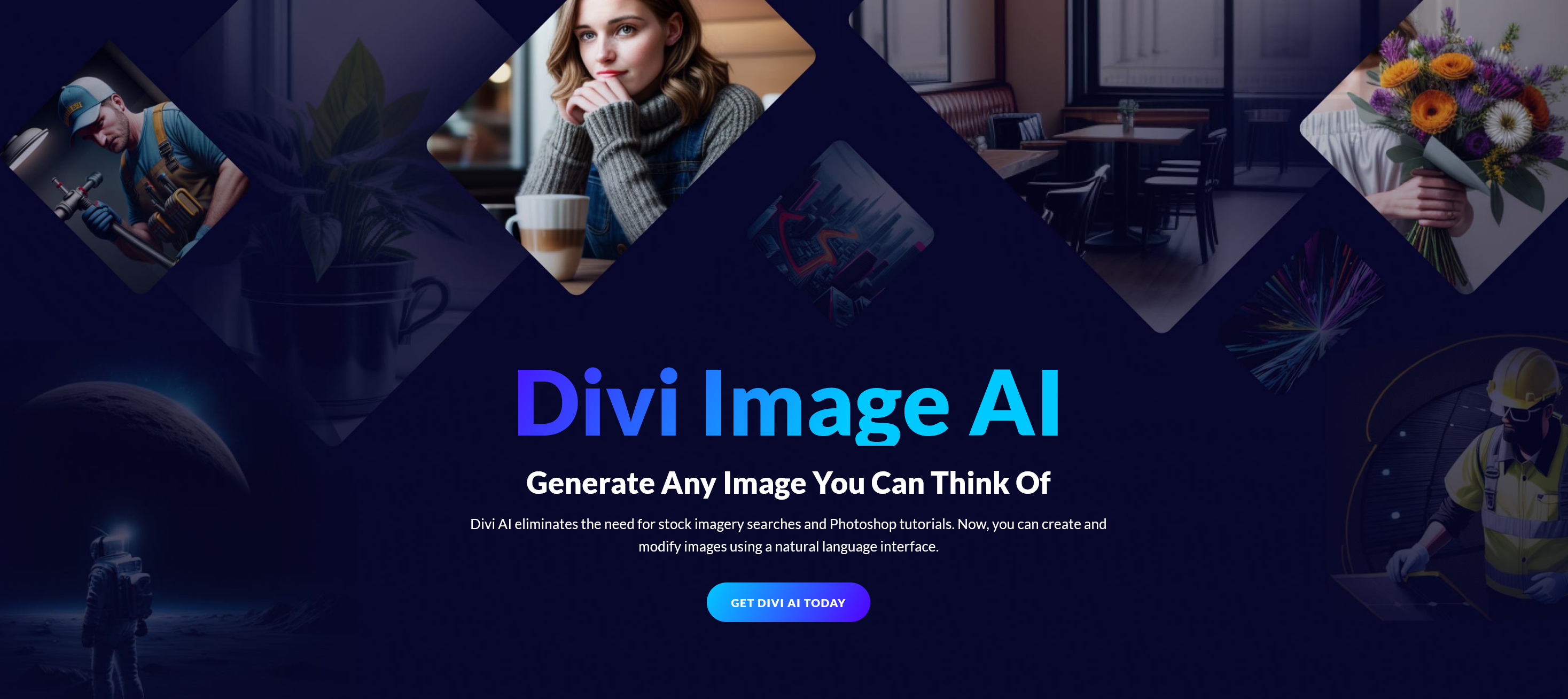
Divi is Elegant Themes’ visual website builder, available with the Divi theme or as the Divi Builder plugin. Divi AI adds generation tools within that editing workflow. It does not replace the work of deciding what a page must say, checking product facts, editing the result, and testing the finished site.
What Divi AI can do
Elegant Themes’ Divi 5 guide documents text, image, code, and layout generation from within builder fields and modules. For example, you can draft a headline in a text module, create an image for a section, or generate a layout from a brief. You can then edit or replace the result in the visual builder.
The newer Divi AI Agent works at a broader page or site level. The vendor says it can revise sections and act on pages, menus, and templates through a chat interface. Those capabilities require Divi 5. If you are on Divi 4, check which AI tools work in your version before paying for an Agent-led workflow.
What it costs and where “unlimited” stops
Divi AI is offered as a monthly or yearly subscription, separately or through a Divi Pro bundle. The vendor’s pricing overview describes a limited free trial and unlimited text, image, code, and layout generation in the builder subject to fair use. It also says the AI Agent draws from a monthly included balance, with additional paid usage once that balance is used. Check the live checkout and current usage terms for the total cost; a Divi license alone does not mean every AI function is included without limits.
| Tool | What to check |
|---|---|
| Builder AI tools | Supported Divi version, subscription, and fair-use terms for text, images, code, and layouts. |
| Divi 5 AI Agent | Required Divi version, included monthly balance, model charges, and any wallet top-up. |
| Divi theme or Builder | The underlying Divi product and licence you need to edit the site. |
Where it can save work—and where you still need an editor
The strongest use case is a first draft inside an existing Divi page. Give the tool a concrete brief: audience, offer, tone, facts it may use, length, and the section it should change. Then check names, prices, claims, links, image rights, accessibility, and the mobile layout before publishing. For a product page, the facts should come from your product documentation, not from the generated copy itself.
Do not treat a generated section as automatically “SEO optimized.” Divi AI can help write page text, but it cannot guarantee search rankings or establish that a claim is true. Google’s guidance warns that publishing many generated pages without added value can violate its scaled-content policy. A useful page answers the reader’s question with accurate, specific information regardless of how its first draft was made.
The vendor says the Divi 5 Agent sends the page content it reads to the selected AI provider. Review that data flow before using the Agent on unpublished customer or business information.
For design work, check the output on desktop and mobile, including headings, forms, navigation, contrast, and image alternatives. Generated code deserves a separate review: test it on a staging copy and confirm what happens after theme and plugin updates. If an AI tool saves draft time but creates more checking and repair work, it has not improved your workflow.
Who should buy it?
Consider Divi AI if your team already uses Divi regularly and needs its generation tools inside the builder. Try the available trial on one real page and count the time spent prompting, editing, and checking. If you use the WordPress block editor or another builder, the integration advantage may be small. If the Agent is the main attraction, model the likely metered usage before subscribing.
Frequently asked questions
Is Divi AI a separate WordPress plugin?
Divi AI is an add-on used within the Divi Builder workflow. Divi itself is available as a theme or as the Divi Builder plugin. Check the Divi version and AI subscription needed for the feature you want.
Is Divi AI free?
Elegant Themes offers a limited trial tied to an account. Ongoing use requires a Divi AI subscription or an eligible bundle. Check the current trial allowance and subscription terms on the vendor’s pricing page.
Is Divi AI unlimited?
The vendor describes builder text, image, code, and layout generation as unlimited subject to fair use. The Divi 5 AI Agent is different: its model usage is metered against an included monthly balance and can require top-ups.
Does Divi AI work with Divi 4 and Divi 5?
The vendor documents builder AI generation in supported Divi 4 versions and Divi 5. The AI Agent requires Divi 5. Check the current compatibility page before planning a specific workflow.
Does Divi AI improve SEO automatically?
No tool can guarantee rankings. Divi AI may help draft page content, but you still need accurate information, useful answers, readable structure, technical checks, and editorial review. Google warns against scaled generated pages that add little value.

Lorelei has been an online entrepreneur, marketer and writer since 2006. Her biggest passion is WordPress, which is why she switched to being a full-time blogger 20 years ago and hasn’t looked back since. With so many years of experience behind her, she is an expert in copywriting, SEO, marketing and business strategies.

